3.4 Network Configuration
3.4.1 IP Configuration
- After configuring the network, you must restart the device
- After inserting SIM card, you must power off and restart
- As shown in the figure, depending on different hardware options, the number of network cards is different.
- Default route priority: 4G>WiFi>Net0>Net1
- Wired network cards can be configured with DHCP (Dynamic IP Address) or add multiple static IP addresses.
- Subnet Mask is represented as mask length, a number from 0-32 bits, which can be calculated using Subnet Mask Calculator
- For wireless networks, just enter SSID and password. If you need to disable wireless network, clear the input
- After all network modifications are completed, you must restart the device, otherwise it will not take effect
- The network configuration of all network cards must ensure that IP addresses are not on the same network segment, including IPs obtained by DHCP and manually configured static IPs
- For cellular network, insert the card and power off and restart. If the operator has no requirements, all parameters can be empty

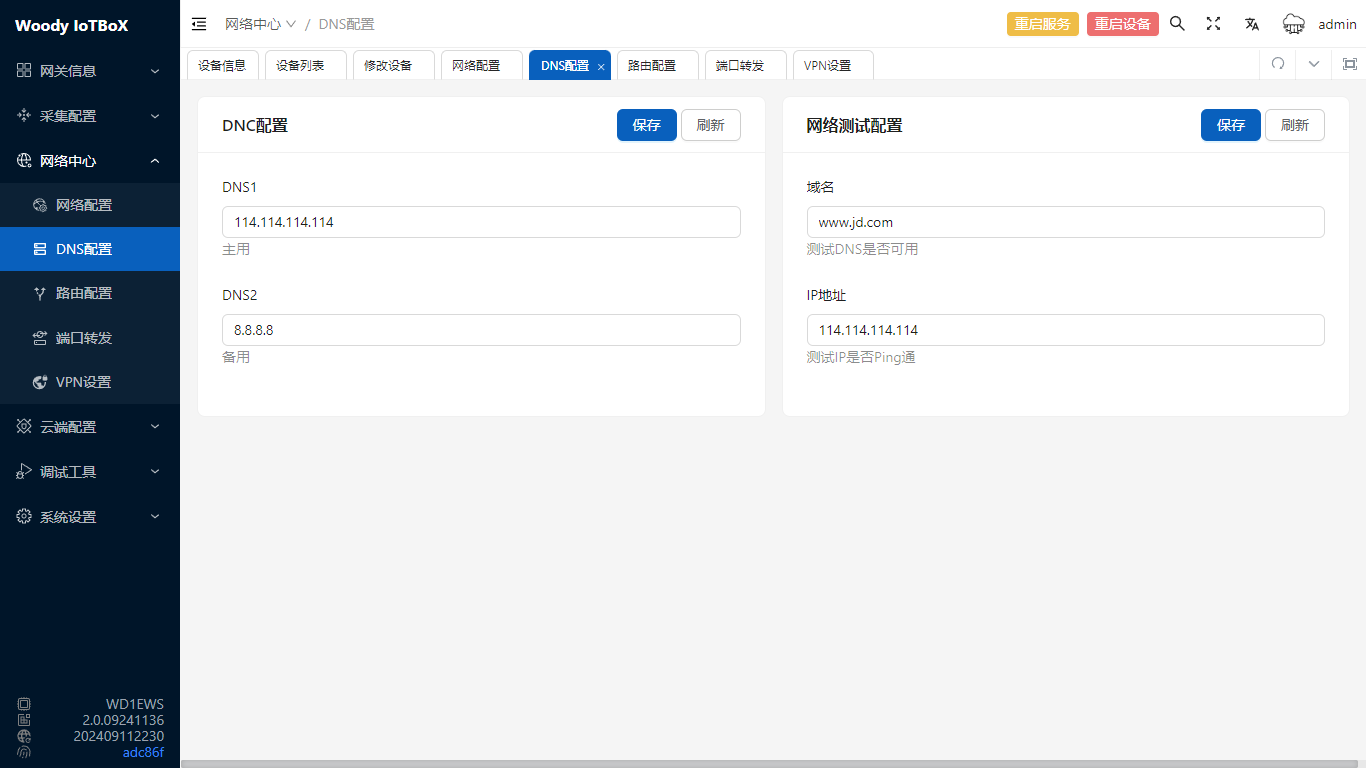
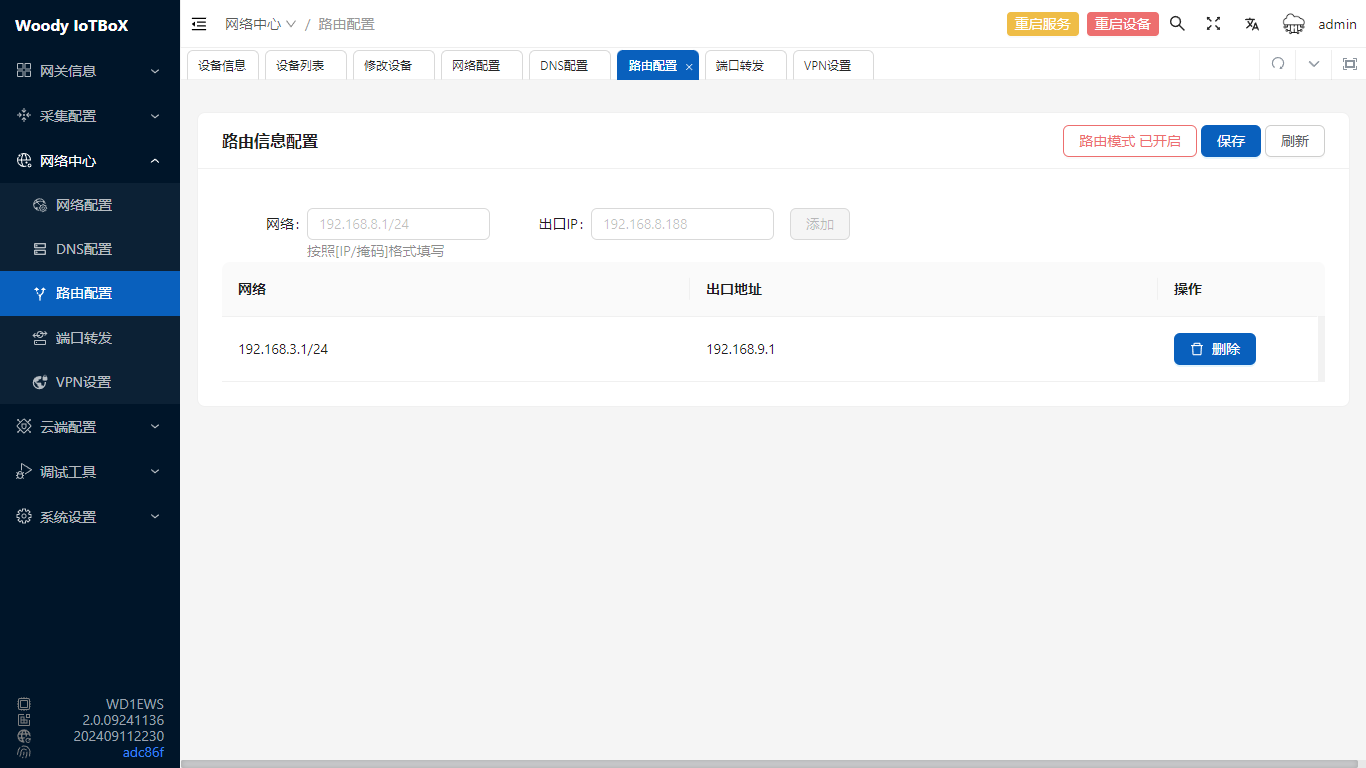
3.4.3 Route Configuration
This function can configure route configurations other than the default route and specify route exit
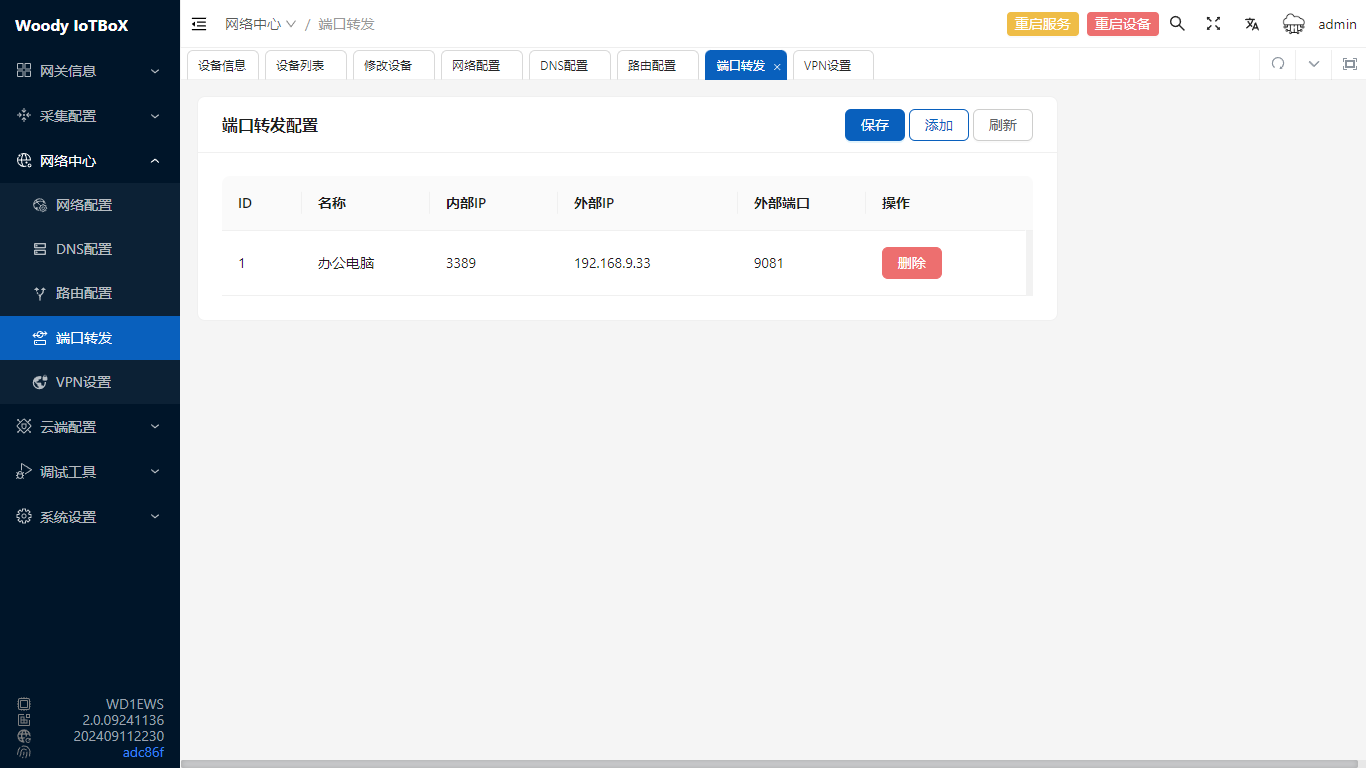
3.4.4 Port Forwarding
This function can map ports of other devices in the IoTBoX network to IoTBoX ports, and you can access the corresponding mapped device by accessing IoTBoX ip:port
3.4.5 VPN Configuration
This function is enabled by default, connecting to the built-in VPN7 management platform for remote control. If there are security concerns, it can be manually closed.
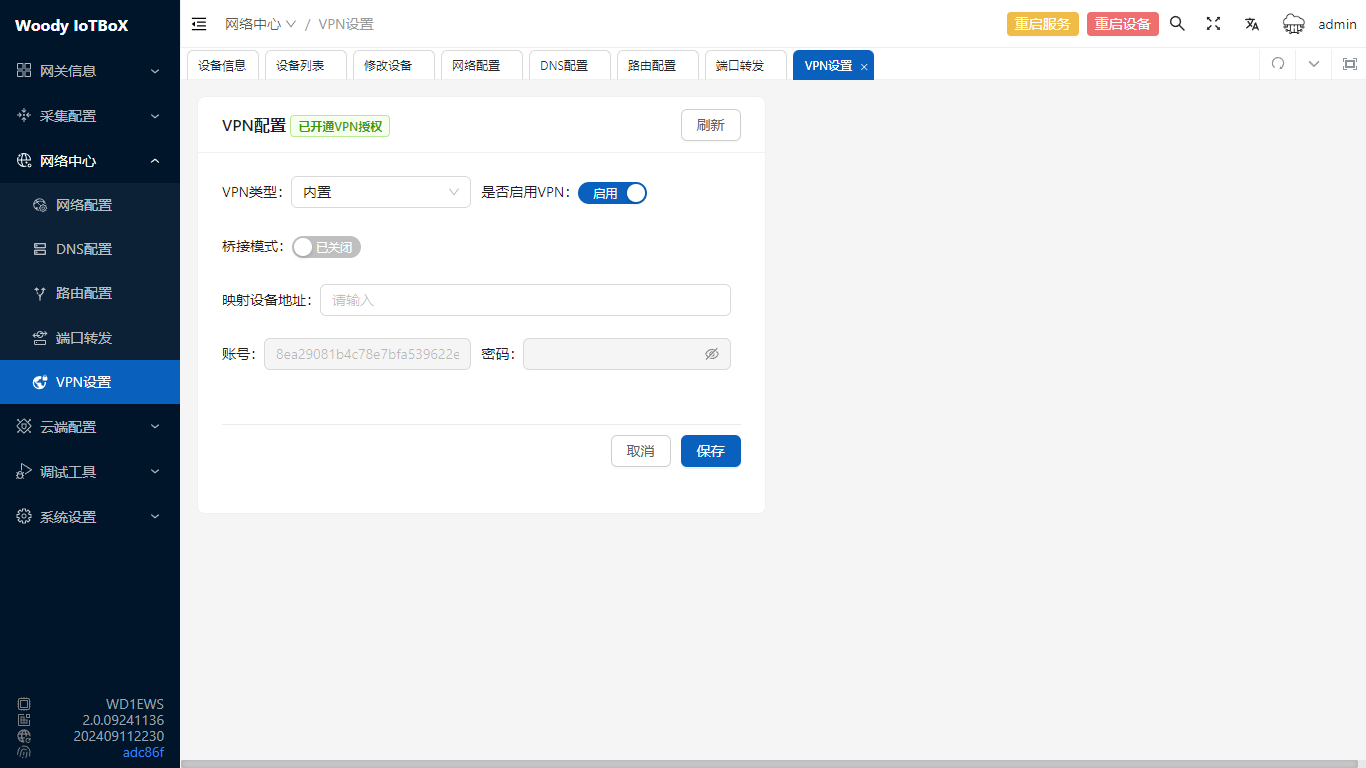
For VPN usage, refer to VPN Function↩︎